Stick together · Live

A shared sticker board

Pin life,together.

Edit the same sticker board in real time and keep everyday moments together.

More than a shared album

A sticker keeps living in your shared day long after you make it.

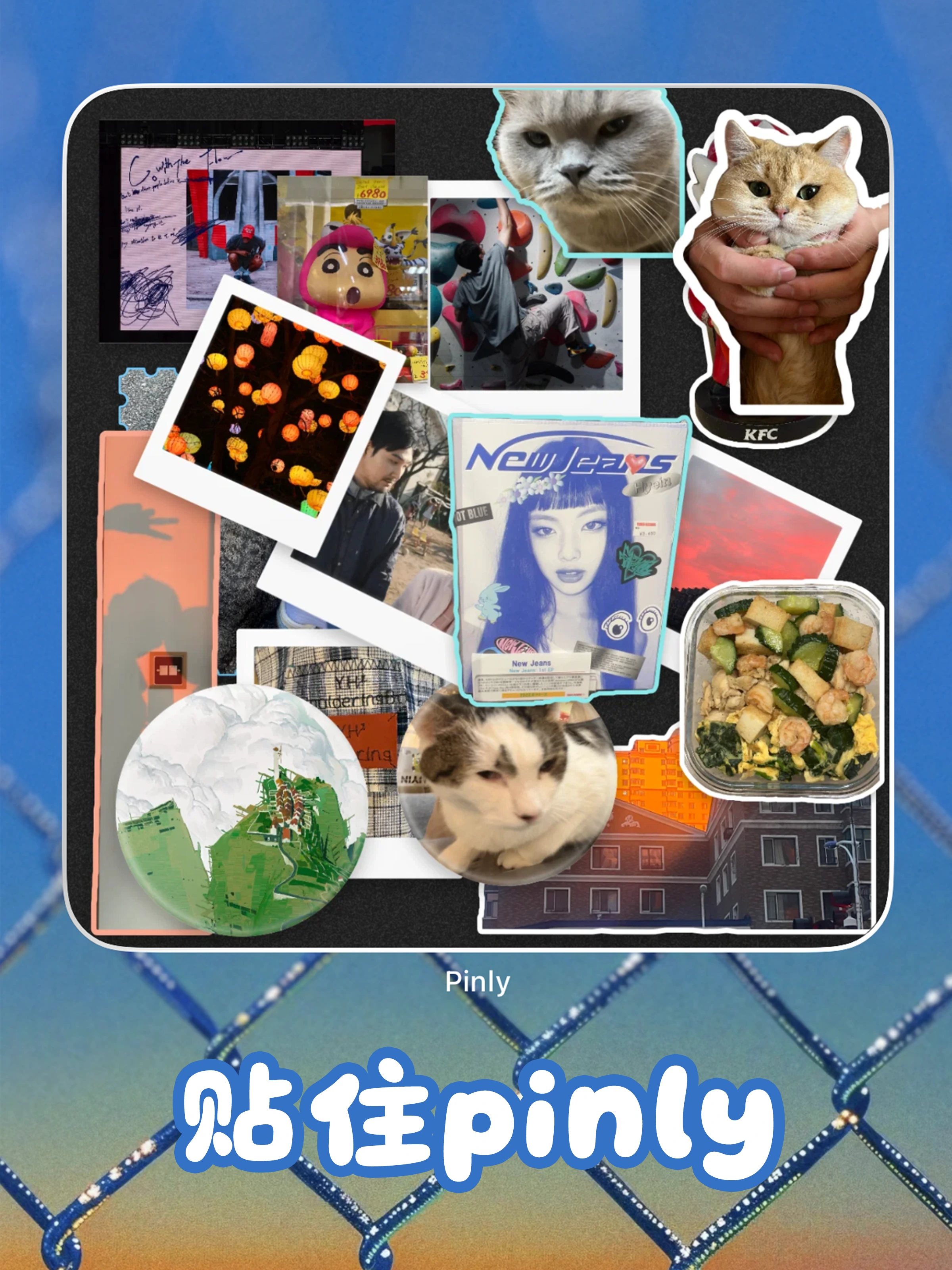
Pinly is not just a place to put photos together. A sticker can be shaped, edited together, reacted to, stored away, and brought back on the board or your iPhone Home Screen.

Make it a sticker

Photos are not just uploaded. They are cut out and pinned in.

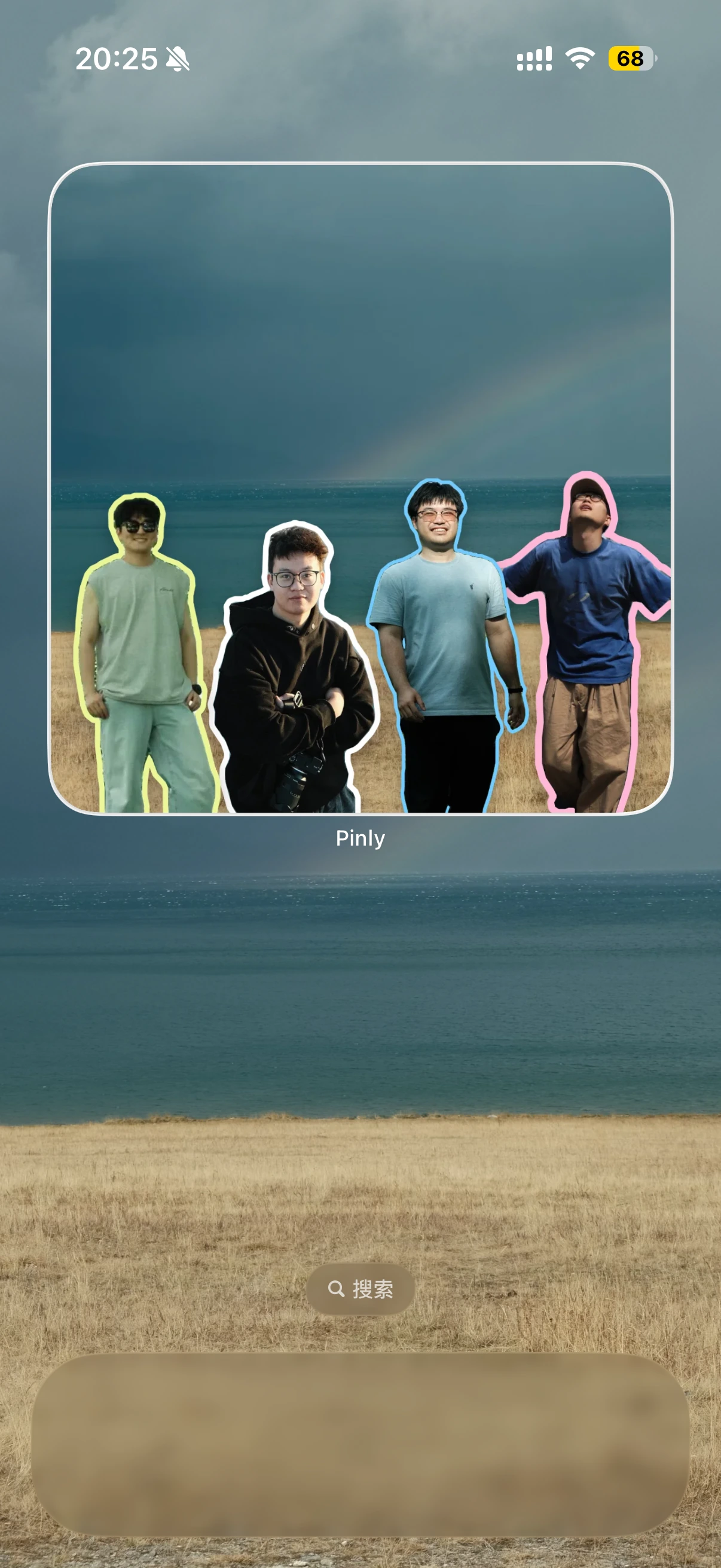
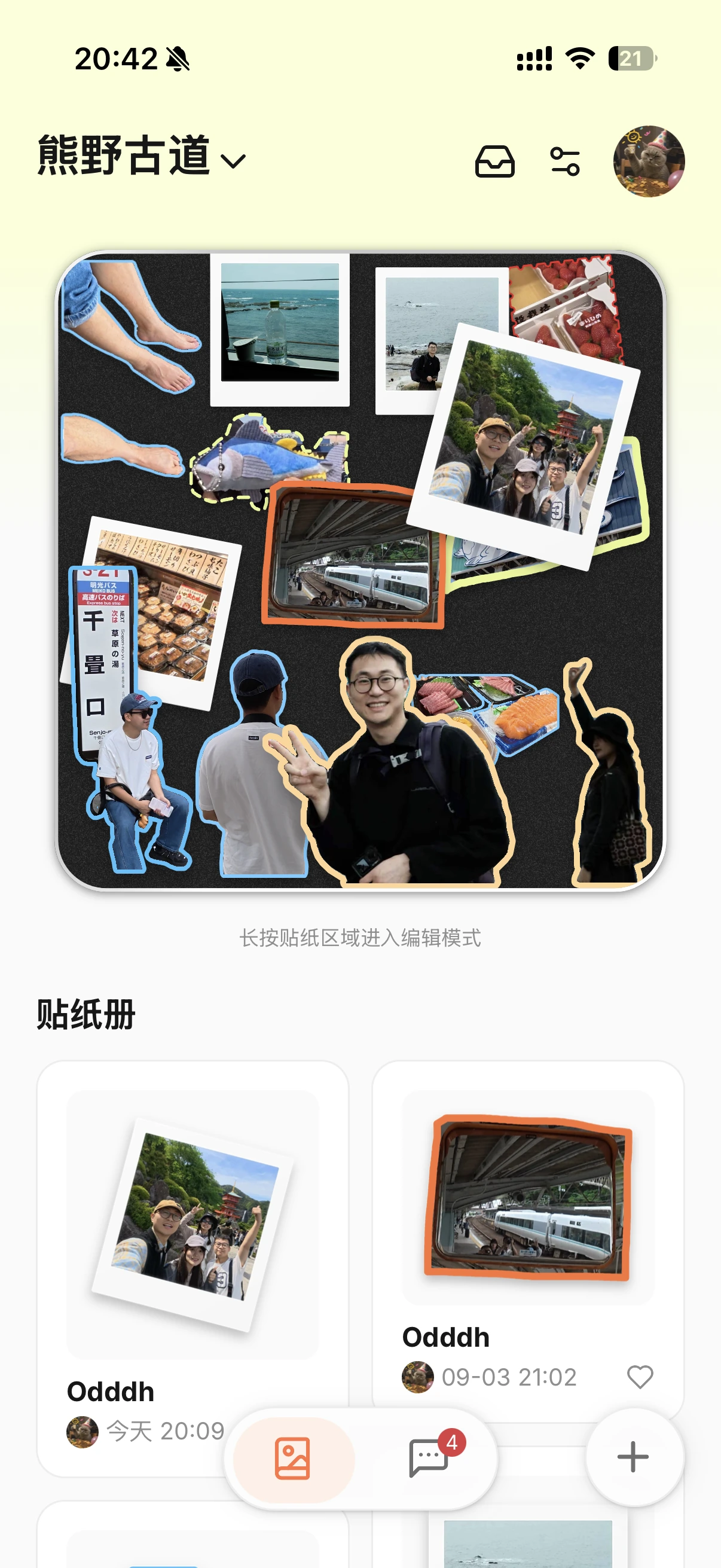
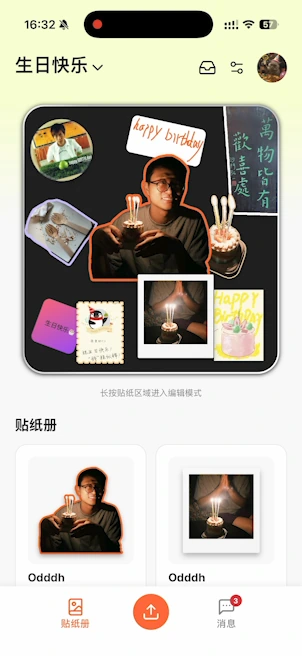
Crop the frame, detect a person or subject, then turn the result into a Polaroid, stamp-like shape, or freeform mask. A photo in Pinly behaves like something you place on a board, not a rectangular attachment.

  • Crop
  • Subject cutout
  • Freeform masks
  • Polaroid

Edit together

When you move a photo, the other person can actually see it happen.

One person adjusts a photo while someone else writes a note. People, selections, and canvas changes update live instead of waiting for a finished upload.

  • Live collaboration
  • Online members
  • Synced editing
  • Auto-save

React lightly

If a reply feels like too much, add a little doodle instead.

Leave a heart, write a short comment, or add a few strokes. A response in Pinly does not always need to become a full conversation.

  • Likes
  • Comments
  • Add a doodle

Put it away

When a sticker has been around long enough, tuck it into the tin.

A sticker does not have to stay on the board forever. Take it down, keep it in storage, and pin it back when that memory belongs on the board again.

  • Take down
  • Auto collect
  • Storage box
  • Pin again

Keep it visible

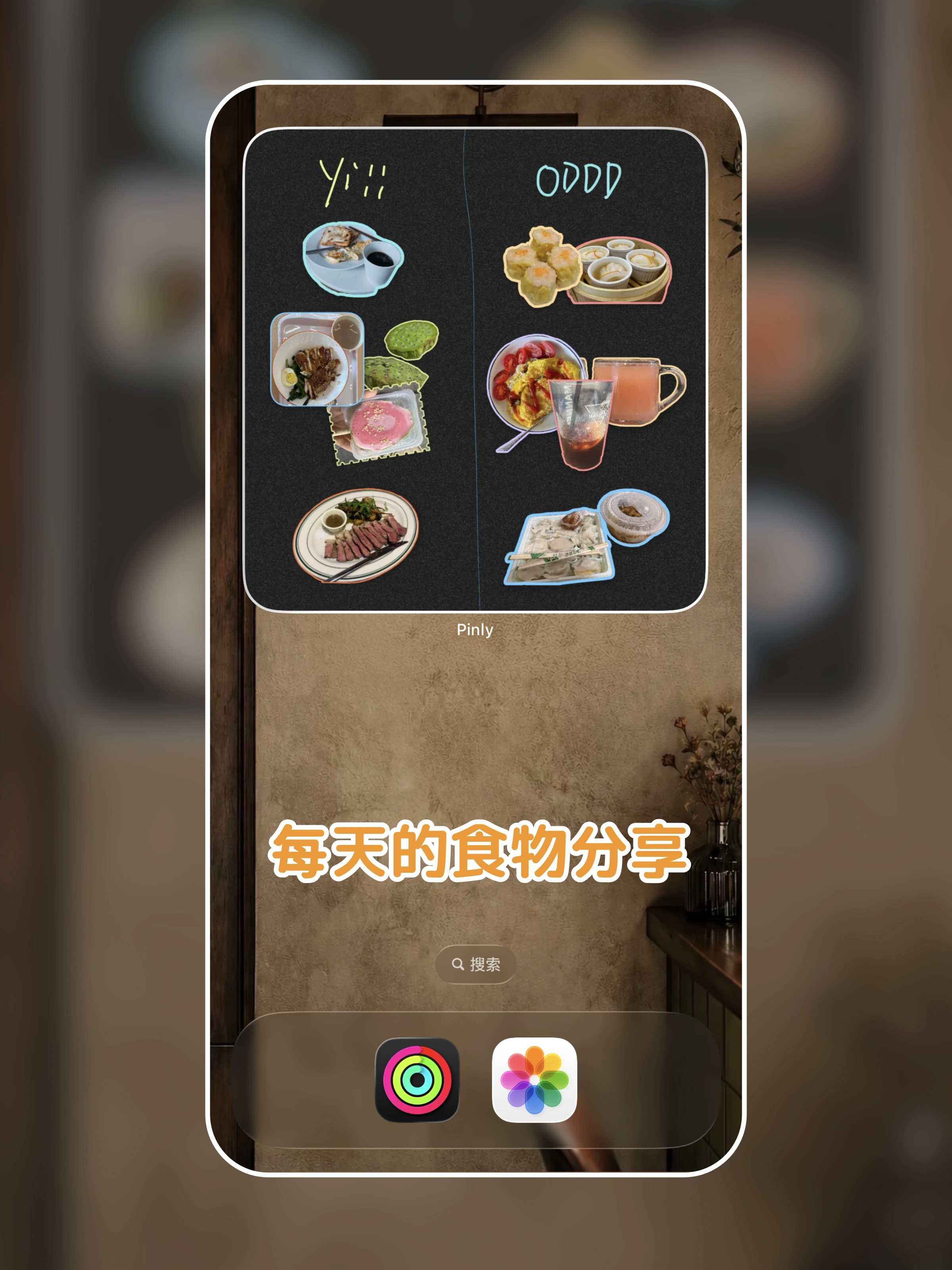
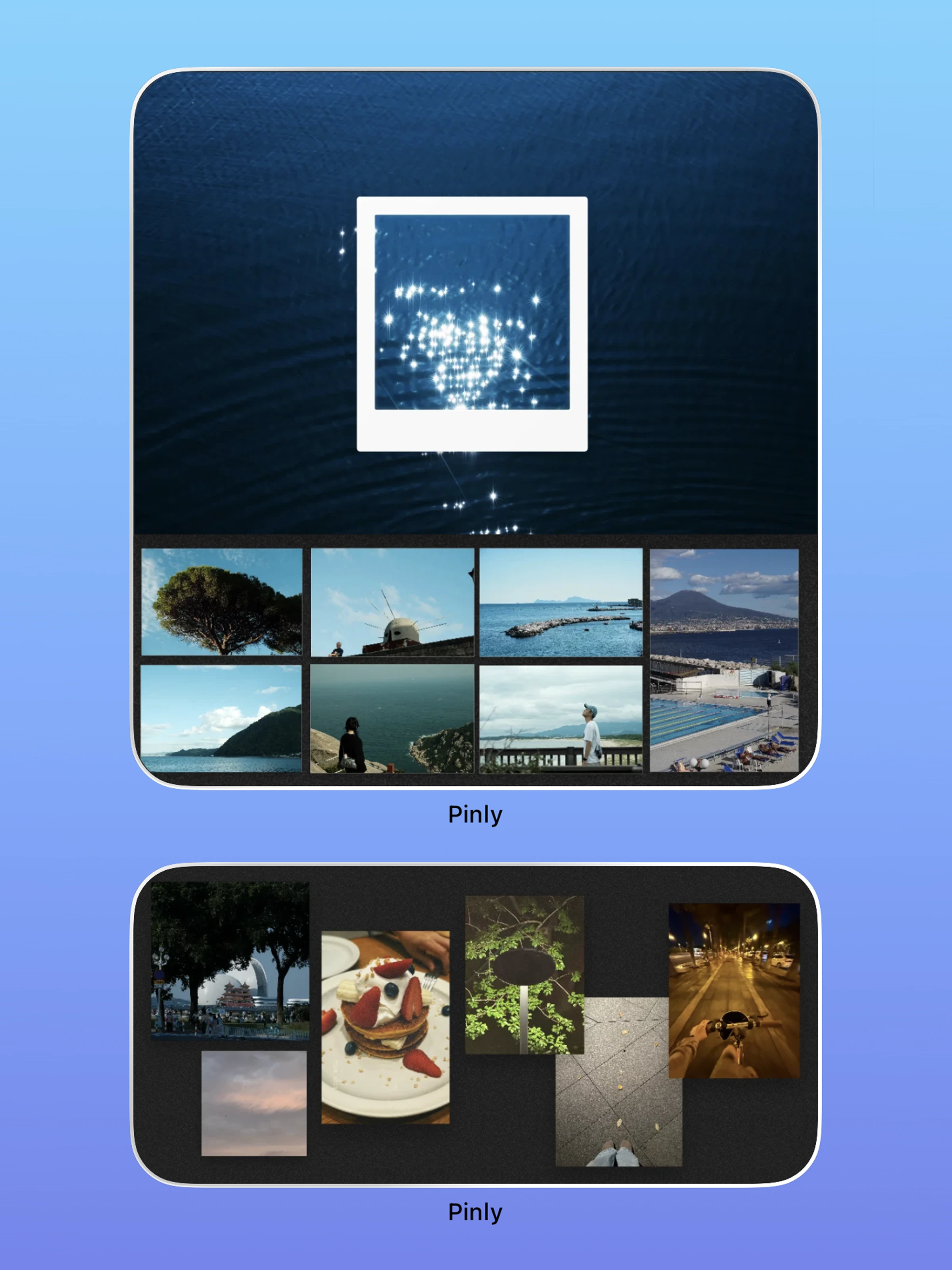
Even when Pinly is closed, the sticker book can stay on your Home Screen.

Place a sticker book in an iPhone widget so the newest shared moments live somewhere you already look every day.

  • iPhone widgets
  • Sticker-book sync
  • Recent updates

Private by default

Share a sticker book only with the people you actually invite.

Invite by phone, QR code, or share link. External links create a join request rather than granting instant access, and the owner still approves who gets in.

  • Phone invite
  • QR code
  • Share link
  • Owner approval

Real ways people use Pinly

See how everyday moments turn into something shared.

Meals, long-distance friendships, trips, birthdays, private photo sharing, and ordinary little moments all have a place in the same shared sticker book.

And the small things

Casual to use, detailed when you want it.

These details do not need a whole chapter, but they make each sticker book feel increasingly personal.

Auto layout

If the board gets messy, let Pinly reorganize the composition.

Layer order

Bring forward, send back, or reorder elements until the board feels right.

Notes and text styles

Adjust color, gradients, fonts, alignment, and other small details.

Custom stamps

Turn text or emoji into a reusable mark of your own.

Keep shaping photos

Crop, rotate, mask, and apply templates before placing a photo.

Auto take-down

Choose when stickers should move off the board so the space can keep changing.

FAQ

The questions that actually affect whether Pinly fits you.

Can anyone with a share link enter my sticker book?

No. An external link creates a join request. The owner still has to approve the person before they get access to the private sticker book.

Does a sticker disappear when I take it down?

No. Taken-down stickers move into storage and can be pinned back later.

Can I interact with something another person pinned?

Yes. You can like it, leave a comment, or add a small doodle contribution alongside the sticker.

What if the sticker book gets messy?

You can adjust position and layer order yourself, or use auto layout to reorganize the board.

Do I have to open the app to see new things?

No. Pinly supports iPhone Home Screen widgets, so a sticker book can stay visible outside the app.